How to answer comments and DMs from every platform without missing one
Comments and messages arrive in different apps at different times, and the one you never see is the one that costs you. A single queue, saved answers, and a clear owner for every conversation keep anything from slipping.
On this page
A stock question under an Instagram post, a complaint in a Facebook message, and an opening-hours question in a YouTube comment are each easy to answer. The trouble is that they arrive in different apps at different times, and the one you never see is the one that turns into a lost sale or a bad review.
Keeping up is less about replying faster and more about never losing track of what is still open.
Put everything in one queue
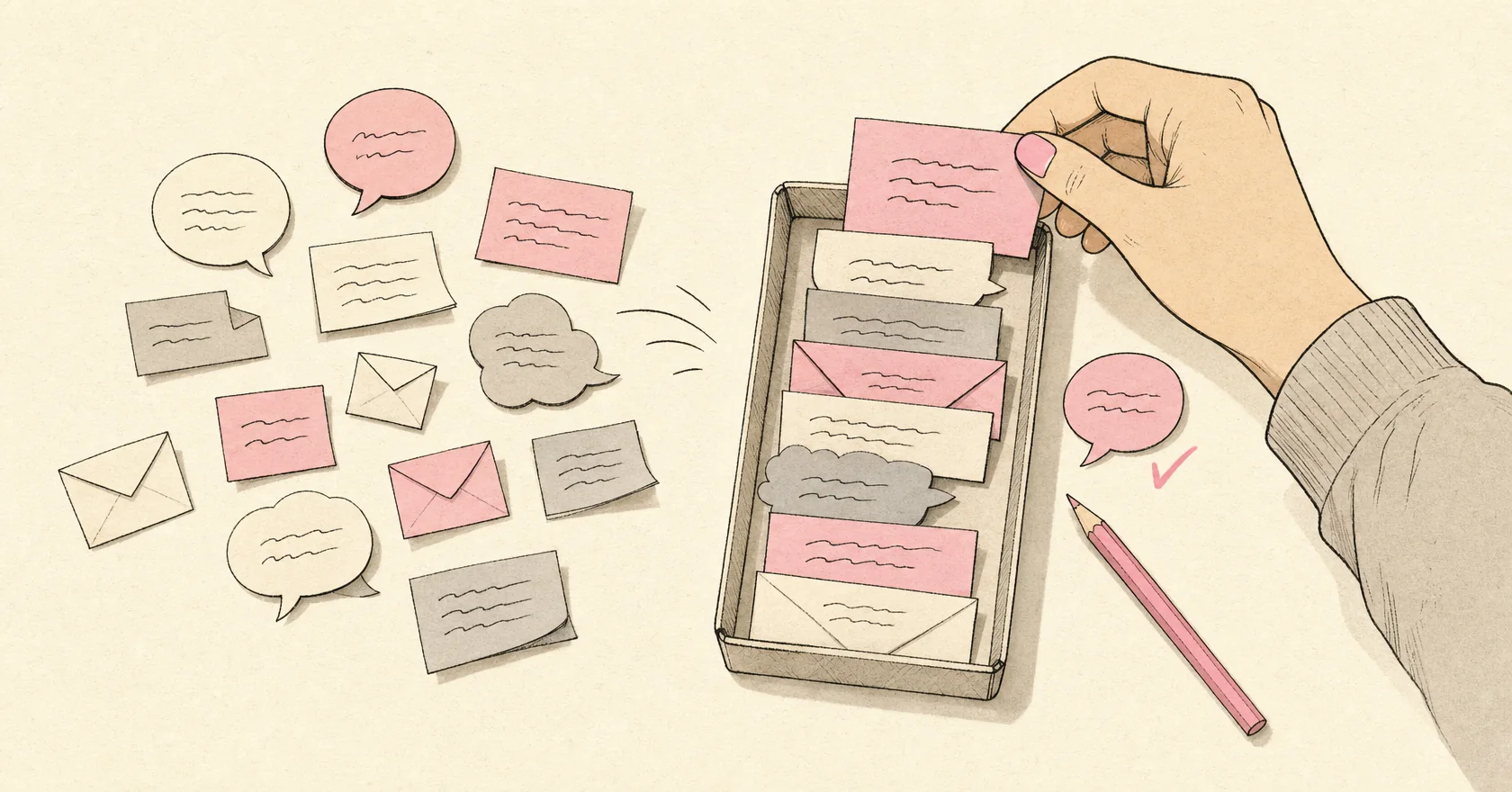
Checking each app in turn means remembering where you left off in every one of them. A single queue removes that. In the eksis inbox, comments and direct messages from every connected account arrive in one list, in the order they came in. Each item shows which account it landed on, the post it belongs to, and the conversation so far, so you can answer without opening the original post.
Your reply goes back through the platform it came from. The person sees an ordinary reply from your account.
Know what each platform lets you answer
Platforms do not open the same things to outside apps, so check which ones apply to you before you promise customers a response time. This is what eksis can read and answer today:
| Platform | Comments | Direct messages |
|---|---|---|
| Yes | Yes | |
| Yes | Yes | |
| YouTube | Yes | No (YouTube has no messaging API) |
| Threads | Yes | No (no messaging API yet) |
| X | Replies to your posts | No |
| Bluesky | Replies on your own threads | No |
| TikTok | No | No |
| No | No | |
| No | No |
For TikTok, LinkedIn, and Pinterest, answer comments in the app itself for now. TikTok has not opened its comments API to outside apps, Pinterest's API has no way to read comments on a Pin, and LinkedIn grants that access case by case.
Save the answers you give every day
Most messages are the same few questions: price, stock, shipping, opening hours. Write each answer once and reuse it.
In eksis these are saved replies. Type / in the reply box to pick one, then edit it before sending when a customer needs something slightly different. Saved replies are shared across the workspace, so a new teammate answers with the same facts as everyone else.
Keep them short, and update them the day a fact changes. A saved reply that still quotes last month's price does more harm than having none.
Give every conversation an owner
When two people share an inbox, the same customer gets answered twice, or not at all because each person assumed the other had it. Assigning fixes both. Assign a conversation to a teammate and everyone can see who is handling it. Mark it as done once it is answered, so the queue only shows what still needs a person.
Teams can split the work by account or by shift. Each plan sets how many people can work in the workspace: two on Starter, ten on Premium, and thirty on Agency.
Draft faster, but read before sending
For questions that need more than a saved reply, Suggest a reply drafts answers to the message you have open. Picking one puts it in the reply box. Nothing is sent until you press send, so read it, check the facts, and adjust the tone first.
Decide what not to answer
Not every comment needs a reply. Spam and abuse are better hidden or deleted, where the platform allows it. Deleting removes the comment from the platform itself and cannot be undone, so hide it when you are not sure.
If the same spam keeps coming back, an automation rule can hide it as it arrives, and the guide to comment and DM automation explains how to set one up without overdoing it.
Set a response time you can keep
Pick a target, such as replying within one working day, and work through the queue at fixed times instead of all day long. Two or three passes a day are easier to sustain than answering every notification the moment it arrives, and the rest of your day stays yours.
Comments from your connected accounts reach the inbox on every plan, including Free. Direct messages and a longer conversation history start on Starter. The pricing page has the details for each plan.