How to cross-post to Threads, Bluesky, and X without it reading like a copy and paste
One update breaks in different places on Threads, Bluesky, and X: length, links, tags, and handles. What differs as of October 2026, and a short routine for rewriting one post for each network.
10 min read



On this page
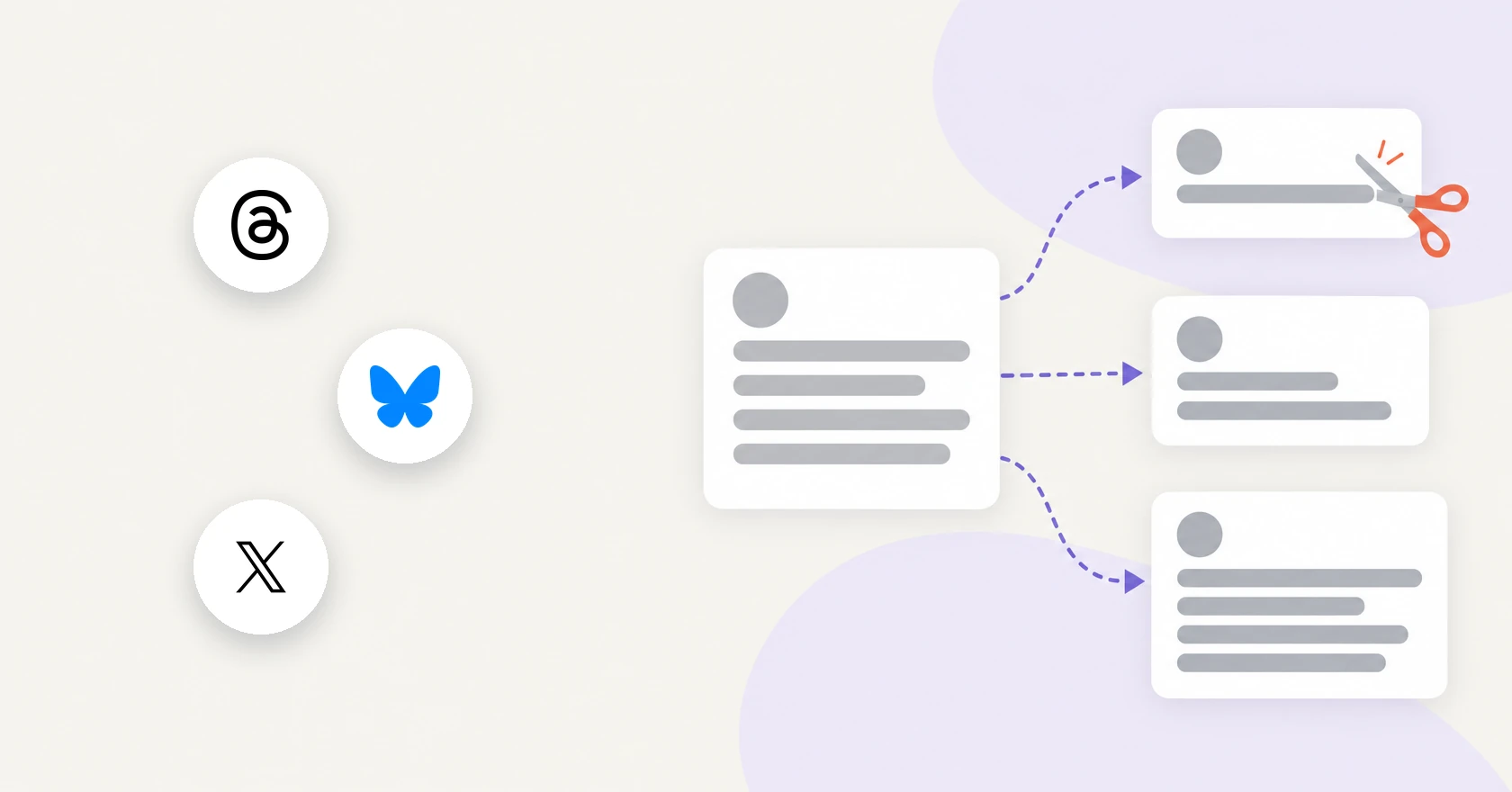
You have one update (a new class, a sale, a blog post) and want it on Threads, Bluesky, and X today. Pasting the same text into all three takes a minute. It also causes the problems people notice: a post too long for Bluesky, an @mention that links to nobody, five hashtags on Threads where only one becomes the topic.
Character counts are only part of it. The three networks count differently, treat links differently, handle tags differently, and give the same brand different handles. Below are those differences as they read on October 21, 2026, then a rewrite routine that takes a few minutes per update.
The short answer
- Write the short version first. X allows 280 weighted characters on a standard account and Bluesky allows 300 graphemes, so a post that fits both also fits Threads' 500 unless it is packed with emoji.
- Watch long links on Bluesky. X counts any link as 23 characters; on Bluesky a full-length URL spends every character of the 300.
- Use one tag. Threads takes one topic per post, and X recommends no more than two hashtags.
- Rewrite every @mention for each network. Bluesky handles look like domain names, such as name.bsky.social.
- Keep the link in the post itself, once, so the preview belongs to the post you want people to click.
- Spend Threads' extra room on one more line of context.
How Threads, Bluesky, and X differ
| Threads | Bluesky | X | |
|---|---|---|---|
| Text limit | 500 characters | 300 graphemes, and 3,000 bytes | 280 characters (25,000 with X Premium) |
| How it counts | Emoji count as their UTF-8 bytes (API docs) | Each visible character counts once, combined emoji included | Emoji and Chinese, Japanese, Korean characters count as 2 |
| Links | Up to 5 per post; the first URL in a text-only post becomes the preview | Counts toward 300 at the length the posting app writes it; that app also attaches the link card | Shortened to t.co and counted as 23 characters |
| Tags | 1 topic per post, up to 50 characters | Hashtags, marked up as rich text | Hashtags; X suggests no more than 2 |
| Mentions | @username | @handle in domain form, such as @name.bsky.social | @username |
| Images and video | Up to 20 images or videos in a carousel; video up to 5 minutes (API) | Up to 10 photos, or 1 video up to 10 minutes | Up to 4 photos, 1 GIF, or 1 video |
X's video length depends on which X page you read. The Help Center gives 140 seconds without a subscription and about 3 hours with X Premium (x.com and iOS). The API docs, which cover posts sent by apps and tools, give 20 minutes without Premium and 125 with Premium or verification. Test one long clip before you schedule video through a tool.
Length: three limits, three ways of counting
Threads is the roomiest at 500 characters. Meta's developer docs add that "Emojis are counted as the number of UTF-8 bytes," so one emoji can use more than one character of the budget when a post goes out through the API.
Bluesky's limit is 300 graphemes, which its docs describe as "what we think of as a 'character'." A family emoji built from several code points counts once.
X allows 280 characters on a standard account. Emoji count as 2 "regardless of complexity," and so do Chinese, Japanese, and Korean characters. X Premium subscribers, now part of The X Subscription, can post up to 25,000 characters.
Links change which network is tightest. X counts any link as 23 characters. On Bluesky the link sits in the post text and counts toward the 300. Bluesky's own app shortens it first to the domain plus about 15 characters, per its open-source code. A tool that sends the full URL spends every character, so a 70-character product URL uses 70 of your 300. Without a link, X is the tighter of the two. With a long, full-length link, Bluesky often is. Limits for six more platforms are in caption limits for 9 platforms.
Links and preview cards
Threads builds the preview for you: "the first URL in the text field will be used as the link preview" in a text-only post. A post can hold up to 5 links, and since December 22, 2025, API posts with more than 5 fail to post.
Bluesky does not create the card from the text. Its docs say "each client fetches and embeds this card metadata," so the app or tool that publishes the post has to attach it. A post carries one embed, so a post with images shows no card.
X shortens every link with t.co, and you cannot opt out. The original URL still shows in the post.
So keep the link in the body of each version. Moved into a reply, the preview goes with the reply.
Tags and topics
Threads lets you tag one topic per post. In the app a topic can be up to 50 characters and may contain spaces. Through the API, the first valid tag in the text becomes the topic, and an in-text tag ends at the first space, period, comma, or one of a few other listed characters such as ! and ?. So "#small business" sent from a scheduling tool becomes the topic "small."
On Bluesky a hashtag is a rich-text facet, like a link or a mention, so it is clickable when the publishing app marks it.
X says hashtags can go anywhere in a post, cannot contain spaces or punctuation, and recommends "no more than 2 hashtags per post as best practice."
A tag that works on all three is one word, or words run together: #latteart, not "#latte art". Put it first among your tags so Threads picks it as the topic.
Mentions and handles
On X, a mention means "another person's username anywhere in the body of the post," typed after @. Threads works the same way, with no space between @ and the username.
Bluesky handles are domain names. By default they end in bsky.social, and people can use a domain they own instead, so one brand might be @acme on X and @acme.com on Bluesky. A Bluesky mention notifies the account behind the handle, and Bluesky's example code notes that a handle it cannot resolve "will be rendered as text in the post instead of a link."
So a copied @mention can fail quietly on Bluesky, or point at a stranger elsewhere. Look up each handle on each network before you post.
Images, video, and longer posts
Threads accepts carousels of up to 20 images or videos through its API, and videos up to 5 minutes. Bluesky's app has allowed up to 10 photos per post since June 2026 and videos up to 10 minutes since August 2026, though its developer guide still describes the older four-image format. X stops at 4 photos. If your Threads post has eight photos, pick the best four for X.
When a post does not fit, each network has a way to continue. X calls a series of connected posts from one person a thread. On Bluesky, a reply references both its parent and the first post of the thread. Threads added text attachments in September 2025, letting you "attach up to 10,000 characters of text to a post."
A rewrite routine for one update
- Write one lead sentence that carries the news on its own: what, when, and where to act.
- Write the X and Bluesky version under 280. Count a link as 23 for X, and at full length for Bluesky if your tool sends the full URL.
- Trim for Bluesky if the link is long. Cut adjectives first, keep dates, prices, and the link.
- Build the Threads version from the short one. Add one line of context or a question, plus one topic tag.
- Replace every @mention with that network's handle, in full domain form on Bluesky.
- Read each version on its own, as someone who never saw the other two.
Here is the routine applied to a café class. The link and handles are placeholders.
Threads
Our beginner latte art class is back this Saturday, 2 to 4 p.m., with beans from @yourroaster. Twelve seats, milk and cups included, no experience needed. Book: https://example.com/latte-class

Never poured a heart before? That's who it's for. Questions? Reply here. #latteart
Bluesky
Beginner latte art class this Saturday, 2 to 4 p.m., with beans from @yourroaster.bsky.social. Twelve seats, milk and cups included. Book: https://example.com/latte-class #latteartX
Beginner latte art class this Saturday, 2 to 4 p.m., with beans from @YourRoasterCo. Twelve seats, milk and cups included. Book: https://example.com/latte-class #latteartCross-post to Threads, Bluesky, and X in eksis
eksis sends one post to Threads, Bluesky, and X together, with a separate caption for each if you want one.
- Click Create post. Under Send to, use Add channel to pick your Threads, Bluesky, and X accounts.
- Write the shared version in the All channels tab.
- Click a channel's tab (it shows the account name) to give that channel its own text and media. A dot marks a tab you changed, and Reset to base caption brings back the shared text.
- Check the counter under the caption. The X tab counts links as 23 and emoji as 2. The Bluesky tab counts graphemes, and because eksis sends the full URL, the whole link counts. A caption over the limit flags its tab and keeps Schedule posts disabled.
- Click Edit next to Publish time, pick a date and time, then click Schedule posts.
eksis holds every X account to 280, X Premium included, because it cannot see an account's subscription. On a channel tab, AI Assistant and its Shorten option are told that channel's limit. In a text-only post, eksis attaches the Bluesky link card for the first URL, and the Threads tab has a Link preview field. eksis sends up to 4 images to Bluesky, not the 10 the Bluesky app now allows. First comment posts one reply under your post on all three networks. eksis cannot publish a multi-post thread, a Threads text attachment, or a separate Threads topic, so the first valid hashtag in the Threads caption becomes the topic.
X is not on Free, which also connects only one account, so all three need a paid plan. Paid plans include monthly X credits: 15 on Starter, 100 on the eksis Premium plan, 300 on Agency. A plain X post uses 1 credit and a post with a link 13. Plan credits cover up to 2 link posts a month; purchased credit packs cover the rest and never expire. Compare plans.
Related reading
- Caption limits for 9 platforms
- First comments on social media posts
- How to use AI for social media posts
Sources
- Meta for Developers: Threads API, Posts
- Instagram Help Center: Tag a topic in your post on Threads
- Instagram Help Center: Your Threads posts (Mention someone on Threads)
- Meta Newsroom: Attach Text to Your Threads Posts and Share Longer Perspectives
- Bluesky on GitHub: app.bsky.feed.post lexicon
- Bluesky Docs: Posts in-depth
- Bluesky Docs: Links, mentions, and rich text
- Bluesky on GitHub: social-app link shortening (url-helpers.ts)
- Bluesky Blog: How to verify your Bluesky account
- Bluesky (@bsky.app): v1.123, up to 10 photos in posts
- Bluesky (@bsky.app): videos up to 10 minutes long
- X Developer Platform: Counting characters
- X Developer Platform: Media introduction
- X Help Center: About X Premium
- X Help Center: How to share and watch videos on X
- X Help Center: About X's link service (t.co)
- X Help Center: How to use hashtags
- X Help Center: About replies and mentions
- X Help Center: How to create a thread on X
All were read on October 21, 2026.
Frequently Asked Questions
Can I post the exact same text to Threads, Bluesky, and X?
Only if it fits the tightest limit and mentions nobody. Text that fits X's 280 and Bluesky's 300 will almost always fit Threads' 500 too, but @mentions need each network's own handle, and Threads turns only one tag into a topic.
Do hashtags work the same way on all three networks?
No. Threads takes one topic per post, and through the API the first valid hashtag in the text becomes that topic. X recommends no more than two hashtags per post. Bluesky supports hashtags as rich text, which the publishing app has to mark.
Why did my @mention show as plain text on Bluesky?
Bluesky handles are domain names, such as name.bsky.social or a domain the person owns. A mention links only when the handle resolves to an account. An @name copied from X has no domain part, so it cannot match a Bluesky handle.
Can eksis publish a thread to X or Bluesky?
Not yet. eksis publishes one post per channel and can add one First comment, which goes out as a reply under your post on X, Threads, and Bluesky. On X that reply counts as a second post, so it uses more X credits.