How to write a social media bio that tells people what you do
A bio gets a few seconds to say what the account is, who it is for, and what to do next, inside a character limit that can be as short as 80.
On this page
People read a bio in the few seconds it takes them to decide whether to follow. In that time they want to know what the account is, whether it is for them, and what to do if it is.
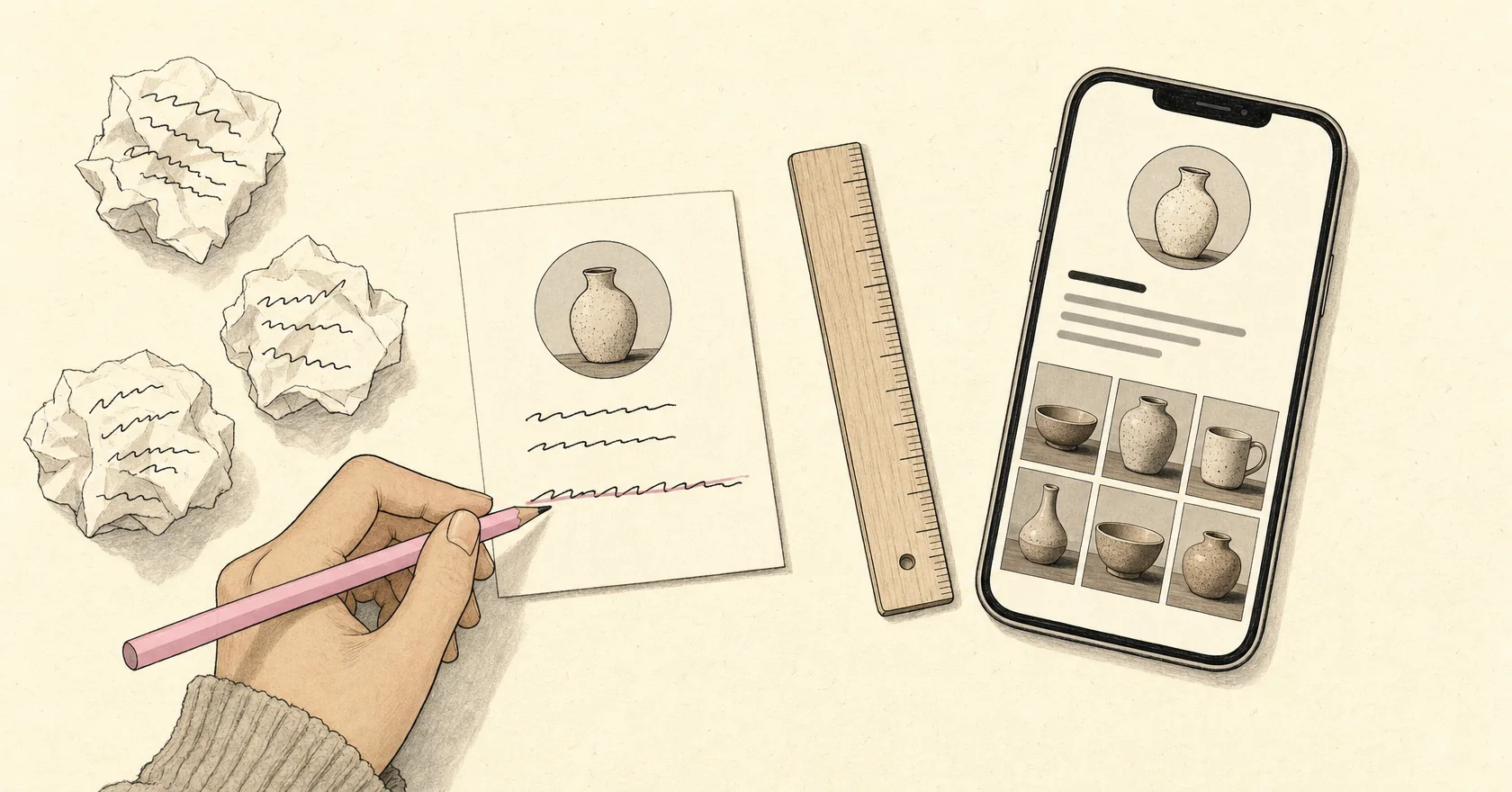
Most bios fail at the first part. "Lover of life, coffee and good vibes" tells a visitor nothing about the pottery studio behind it.
Say what you do in plain words
Start with the most literal description of what you do:
- "Handmade stoneware mugs and bowls, made in Bandung."
- "Bookkeeping for small restaurants."
- "Weekly recipes for one-pan dinners."
If you only have room for one sentence, this is the one. A clever line can come after it, not instead of it.
Name who it is for
A bio that names its audience attracts the right followers and tells everyone else, politely, that this account is not for them: "for home cooks with 30 minutes", "for first-time founders", "for runners training for their first marathon". It also reminds you who you are writing your posts for.
Tell people what to do next
End with one action: shop the new batch, book a call, join the newsletter. Point to the link in your bio, and use the same words as the page that link opens, so the click feels like the next step rather than a detour.
One action is enough. A bio that asks people to follow, subscribe, shop, and book all at once gives them four choices and no reason to pick one.
Fit it to each platform
Each platform gives the bio a different amount of room. These are the limits the free eksis bio generator counts against:
| Platform | Field | Limit |
|---|---|---|
| TikTok | Bio | 80 characters |
| Bio | 150 characters | |
| X | Bio | 160 characters |
| Headline | 220 characters | |
| YouTube | Channel description | 1,000 characters |
On LinkedIn, the headline is the line that travels with your name across the site, in comments, search results, and invitations, so it does more work than the longer About section.
Write for the shortest limit first. Fitting what you do into TikTok's 80 characters forces you to decide what matters most, and adding detail for the platforms with more room is easy afterwards.
Cut what does not earn its place
A few things take up space without helping:
- hobbies that have nothing to do with the account
- inspirational quotes
- "DM for collabs" when you do not actually want collaborations
- hashtags, unless one is your own campaign tag
- an emoji at the start of every line
One or two emoji that carry meaning, like a pin before your city or a clock before your opening hours, can save words. Beyond that they are decoration.
Update it when things change
A bio is not something you write once. Update it when you launch something, change your opening hours, or point your link at a new page. A bio that still promotes a sale from March tells visitors that nobody is looking after the account.
Try the bio generator
The eksis bio generator is free and works in your browser without an account. Pick a platform, start from an example or an empty box, add symbols and emoji, and watch the character count against that platform's limit as you type.
When you want help with the wording, sign in and describe what you do. The AI writes three versions in the tone you choose: a minimal one, one laid out as a short list, and a more detailed one. Copy the one you like and edit it until it sounds like you.