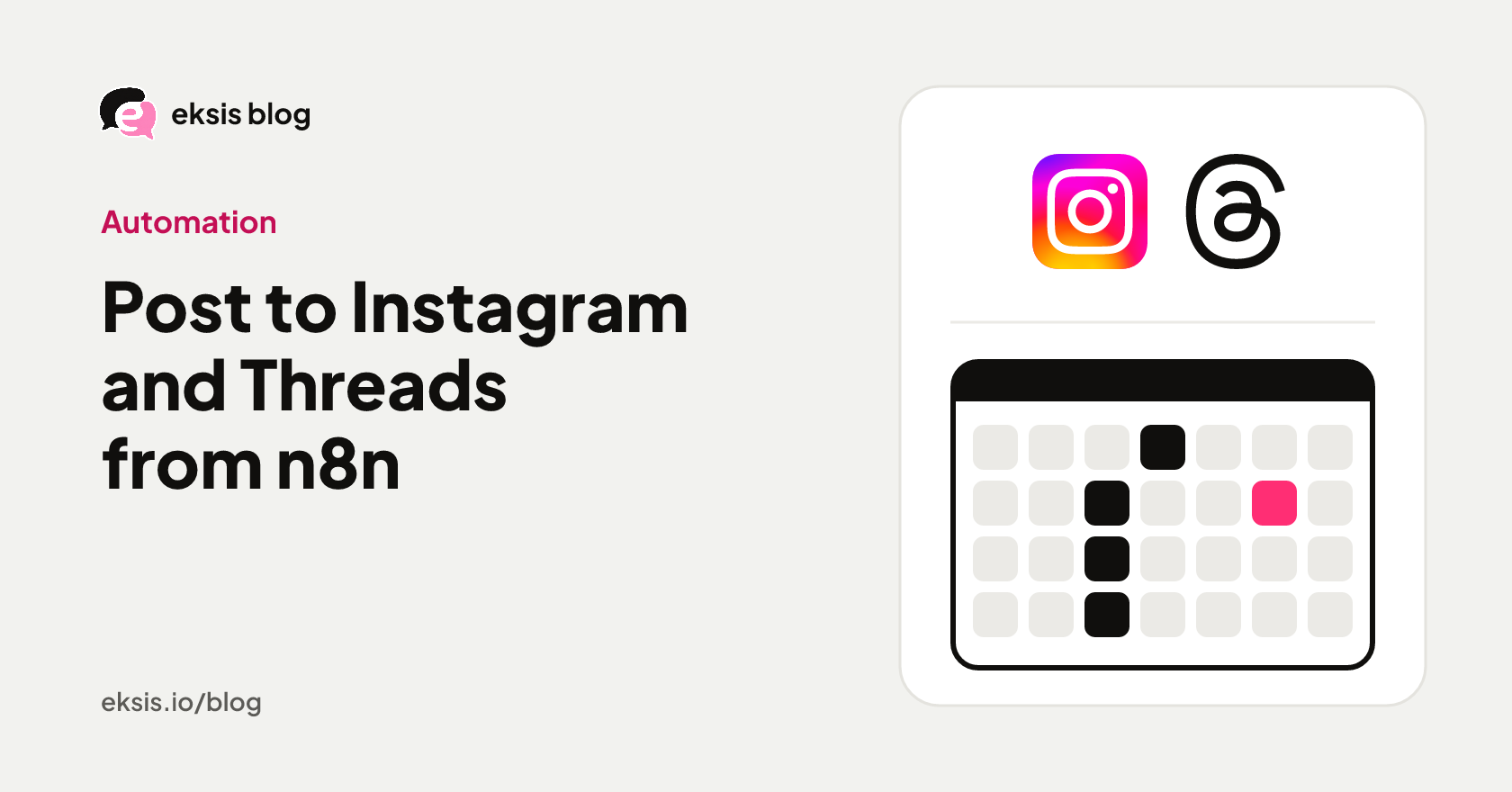
How to post to Instagram and Threads from n8n, without a Facebook app
The n8n-nodes-eksis community node creates, schedules, and publishes Instagram and Threads posts from any workflow, using an eksis API key instead of your own Meta app. Setup, an example flow, and the trigger events.
5 min read


On this page
To post to Instagram or Threads from n8n without building a Meta app, install the community node n8n-nodes-eksis, add an eksis API key as its credential, and use the Eksis node's Post: Create operation. It saves, schedules, or publishes a post to the Instagram and Threads accounts you connected in eksis.
The usual n8n route to Instagram, the one in n8n's own template library, goes through the Facebook Graph API node. That means your own Meta developer app, the publishing permission, and an access token you keep alive. This guide sets up the eksis node instead, then walks through an example flow and the trigger events.
The short answer
- Install n8n-nodes-eksis with n8n's community nodes installer.
- In eksis, open API & MCP and create a key with the Editor role (Admin if you want the trigger).
- In n8n, create an Eksis API credential and paste the key.
- Import images or video with Media: Import From URL, then create the post with Post: Create.
- Eksis Trigger starts a workflow when a post goes out or fails, a comment or DM arrives, or a channel loses its connection.
- The REST API, which the node uses, is on every paid eksis plan. A key from a Free workspace is refused.
Step 1: connect Instagram and Threads in eksis
The node posts to accounts connected in an eksis workspace, so connect them there first. Click the + next to Channels in the sidebar and choose Instagram, then Threads.
Instagram has to be a Business or Creator account, because Meta's API only serves those. Threads connects on its own and needs no Facebook Page.
Step 2: install the node and add the key
- In n8n, follow the community nodes installation guide and install
n8n-nodes-eksis. - In eksis, choose API & MCP in the sidebar and create a key. Editor is enough for posts, media, and comments. Admin is needed for Eksis Trigger, because the trigger creates and removes webhook endpoints.
- Copy the key. It starts with
eksis_sk_and is shown only once. - In n8n, create an Eksis API credential and paste the key. n8n checks it against
GET /v1/me.
Step 3: post from a workflow
The Eksis node has four resources: Post, Channel, Media, and Comment. A posting flow usually needs two of them.
- Media: Import From URL copies an image or video from a public URL into the eksis media library and returns its
id. - Post: Create saves the post as a draft, schedules it, adds it to each channel's queue, or publishes it now. Put the
idfrom step 1 in Media IDs, write the caption, and pick the channels. One post can go to Instagram and Threads at once.
Times without an offset, such as the ones the n8n date picker gives, are read in the workflow's timezone. To move a post later, use Post: Reschedule; to send a scheduled post right away, Post: Publish.
Two flows this fits:
- A product sheet to Instagram. A row added to a Google Sheet with an image URL and a caption runs Media: Import From URL, then Post: Create with a scheduled time.
- A blog feed to Threads. A new RSS item becomes a text-only Threads post with the link, queued with Post: Create. Threads takes text-only posts, so no media step is needed.
The Eksis node also works as a tool for n8n's AI Agent, so an agent can draft and schedule posts as part of a longer flow.
Step 4: react when something happens
Eksis Trigger registers a webhook in eksis when the workflow is activated and removes it when the workflow is deactivated. It fires on:
| Event | When it fires |
|---|---|
| Post Published on a Channel | A post went out on one of its channels |
| Post Failed on a Channel | A post could not go out, after every retry |
| Comment Received | Someone else commented on a connected channel |
| Message Received | A direct message or a story reply arrived |
| Channel Lost Connection | A channel lost its connection and holds its scheduled posts |
| Channel Disconnected | A channel was disconnected from the workspace |
A common pair is Post Failed on a Channel into a message to yourself, so a failed post doesn't go unnoticed. The trigger needs an Admin key, and eksis only delivers to public https addresses, so a self-hosted n8n on localhost needs a tunnel or reverse proxy first.
Limits worth knowing
The node calls the eksis REST API, which starts on Pro Eksis at $3 a month and allows 1,000 requests a day per workspace. Instagram itself allows 100 posts a day per account, and Threads 250. If you only need an AI assistant to post for you, the eksis MCP server works on the Free plan; see the Instagram API and Threads API pages for what each path covers.
Sources
- n8n-nodes-eksis on npm
- n8n docs: Install community nodes
- eksis docs: API introduction
- eksis docs: Rate limits
- eksis docs: Webhooks
All were read on November 9, 2026.
Frequently Asked Questions
Can n8n post to Instagram?
Yes. Either through the Facebook Graph API node with your own Meta app and access token, or through the n8n-nodes-eksis community node with an eksis API key and an Instagram account connected in eksis.
Can n8n post to Threads?
Yes. The n8n-nodes-eksis node posts text, photos, video, and carousels to a Threads profile connected in eksis, from the same Post: Create operation it uses for Instagram.
Do I need a Facebook developer app?
Not with the eksis node. eksis publishes through its own approved Meta app, so you connect your account in eksis and use an API key in n8n.
Does it work with self-hosted n8n?
Yes for posting. The trigger also works once your n8n is reachable over public HTTPS, because eksis does not deliver webhooks to localhost.
Is the node free?
The node is free and open source under the MIT license. The eksis REST API it calls is part of every paid eksis plan, starting with Pro Eksis.