What to post on Google Business Profile, what Google removes, and how to schedule it
What each Google Business Profile post type needs, the content rules that get posts rejected, how long posts stay visible, and how to schedule them, checked against Google's own help pages in October 2026.
10 min read



On this page
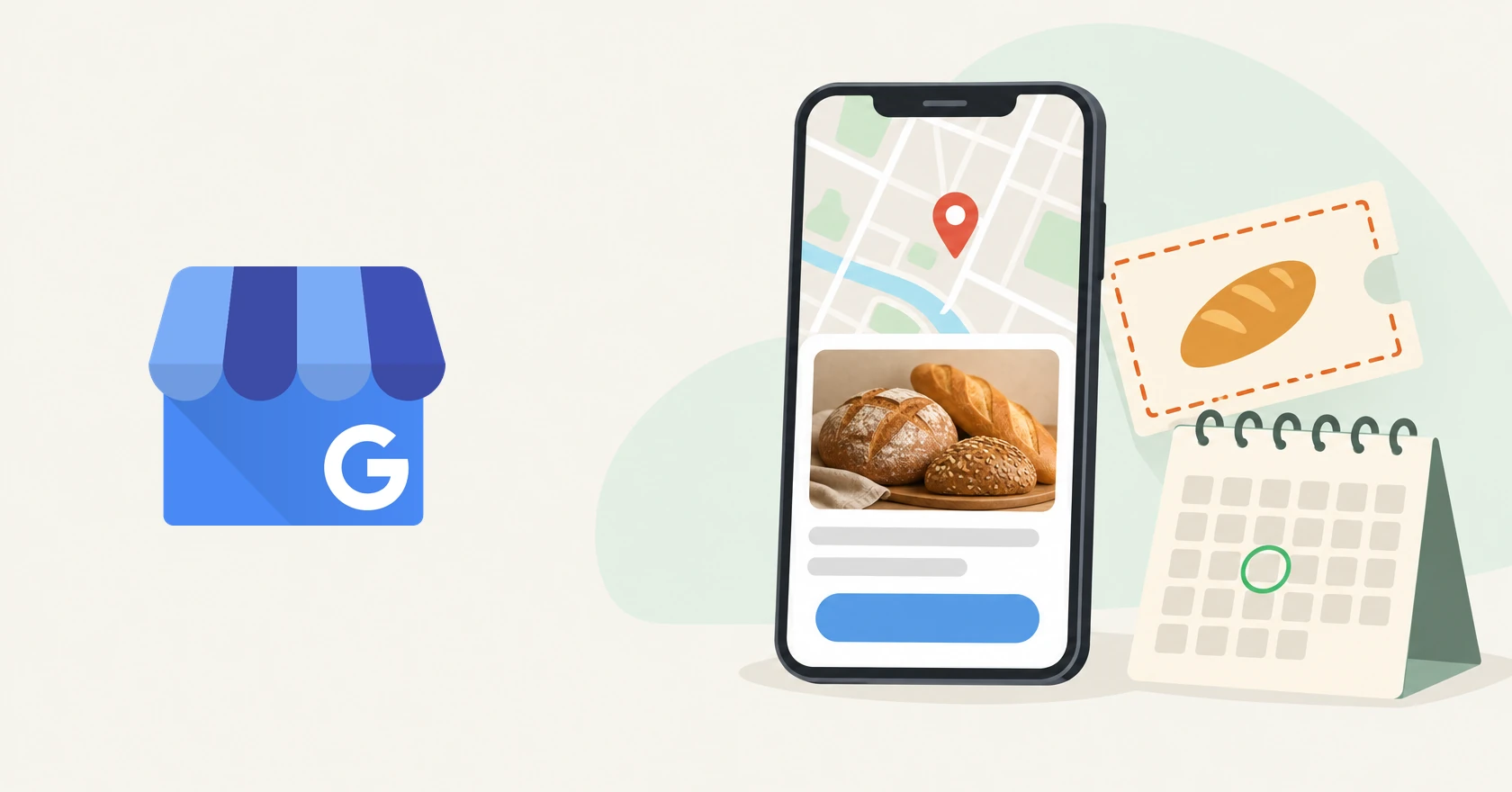
Google Business Profile lets a local business publish short posts (updates, offers, and events) that appear on its profile in Google Search and Maps. They take minutes to make and are easy to get wrong: Google reviews every post, can reject one over a phone number in the text, and archives old ones after a set time.
This guide sticks to what Google's help pages and developer docs say as they read on October 21, 2026, and marks where a figure comes from a third party instead. Then come post ideas, a weekly rhythm, and the scheduling options, including what eksis can and cannot do.
The short answer
- Pick the post type first. Google lists no required fields for an Update, an Offer needs a title, dates, and a time, and an Event needs a title plus start and end dates.
- Keep phone numbers, email addresses, and social handles out of the text. A Call now button uses the verified number on your profile instead.
- Use JPG or PNG photos between 10 KB and 5 MB, at least 250 by 250 pixels, with 720 by 720 recommended.
- Expect an Update to be archived after six months. Posts with a date range are the exception.
- Schedule inside Google with Schedule this post, and use Repeats for weekly or monthly posts.
- Tag button links with UTM parameters to see post clicks in Google Analytics, since Google's API no longer reports numbers for single posts.
The three post types and what each needs
Google's posts help page lists three types:
| Update | Offer | Event | |
|---|---|---|---|
| Google's description | Share info about your business | Promotional sales or deals | Promote an event at your business |
| Required | None listed | Title, dates, and time | Title, start and end dates (times optional) |
| Optional | Description, photo, video, button with a link | Description, photo, video, coupon code, link, terms and conditions | Description, photo, video, button |
| Button | One action button you choose | View Offer, added automatically | One action button you choose |
| How long it shows | Archived after 6 months | Has its own date range | Has its own date range |
If you leave out an event's start or end time, Google shows the event as lasting 24 hours on the event dates. An Offer does not take a button of your choice: Google adds View Offer, and its API docs say a call to action is ignored on offer posts.
Google's help page does not state a character limit. Buffer, which sells social media software as eksis does, lists "1500 characters per post" in its help center, and Rank Math's guide gives the same figure.
Buttons
Google's developer docs list six button types:
| Button type (API name) | What Google says it does |
|---|---|
BOOK |
Prompts a user to book an appointment, table, or something similar |
ORDER |
Prompts a user to order something |
SHOP |
Prompts a user to browse a product catalog |
LEARN_MORE |
Prompts a user to see additional details on a website |
SIGN_UP |
Prompts a user to register, sign up, or join something |
CALL |
Prompts a user to call a business |
Every type except Call needs a link. Google's posts policy says a Call now button "uses your verified Business Profile phone number."
Photos and video
Google's posts page says any type can carry a photo or video but gives no file specs. Its general Business Profile media guidelines say photos should be JPG or PNG, 10 KB to 5 MB, at least 250 by 250 pixels (720 by 720 recommended), in focus and well lit. Videos can run up to 30 seconds and 75 MB, at 720p or higher.
Buffer's help center lists different numbers for posts sent through its Google connection: one image, 10 KB to 10 MB, JPG, PNG, or HEIC, and no GIFs or videos "due to API limitations." Since the two disagree on file size, staying inside Google's range works for both. For video, use Google's own editor.
Where posts show up and how long they last
Google says customers find posts:
- On mobile, in the Updates or Overview tab of your profile on Search and Maps.
- On a computer, in the From the owner section of your profile.
- As featured posts on mobile, where Google may automatically show posts about events, deals, or specials from your Facebook and Instagram or from your profile. As of October 2026 this covers English-language, single-location food and drink businesses in the US, UK, Canada, Australia, and New Zealand.
After you publish, Google reviews the post. Only Live posts appear on Search and Maps. Pending means the post is still processing or your profile is not verified. Not approved means it broke a content policy.
On timing, Google's help page says: "Posts older than 6 months are archived unless a date range is set." It does not say what happens after an offer or event ends, so check your Posts list when a promotion is over and remove anything no longer true.
What Google removes
Google checks posts against its posts content policy and the Maps prohibited and restricted content policy. The rules most likely to catch a small business:
- Contact details in the text. Google "may remove posts with unverified contact information," including phone numbers, email addresses, and social media handles, and its help page says a number may get the post rejected if it "cannot be verified as being connected to the business." Buffer's help center is blunter: "Google does not allow phone numbers to be included in posts." A Call now button avoids the question.
- Links to other websites "that are not related to your business," and any link to malware, phishing, or pornographic material.
- Regulated products. Businesses in industries such as alcohol, tobacco, gambling, weapons, and financial services can post, but not about those products: no purchase links, no contact details for buying, no deals or pricing.
- Hotel offers. Hotels cannot create Offer posts or any post that mentions or links to deals, promotions, or discounts.
- Rewards for reviews. Merchants may not offer payment, discounts, or free goods and services in exchange for a review.
Promotion itself is fine. The Maps policy says offers and updates "that may be seen as promotional or commercial content are otherwise permitted in posts." Google also advises against misspellings, filler, and auto-generated or distracting content.
Post ideas for a small local business
These are starting points, not tested formulas:
| Type | Ideas |
|---|---|
| Update | A new product, dish, or service with a clear photo. An answer to a question customers ask often. How something is made. A new booking or delivery option, with a Book or Order button. |
| Offer | A first-visit discount with a coupon code. A weekday deal for quiet hours. A seasonal bundle with plain terms. |
| Event | A class, workshop, or tasting. A live music night. An open house or a market stall. |
Hotels and businesses selling regulated products should skip the Offer row.
A weekly rhythm you can keep
Google's help pages give no recommended posting frequency, so treat this as a pace a busy owner can sustain, not a number backed by data:
| Day | Post | Type |
|---|---|---|
| Monday | What's new this week, with a photo | Update |
| Wednesday | Your time-bound item, or a customer question answered | Event, Offer, or Update |
| Friday | A weekend reminder or a behind-the-scenes photo | Update |
Write all three on Monday and schedule them in one sitting. For a weekly class or similar, use Repeats. More on batching in how to plan a week of social media posts.
Track clicks with UTM-tagged links
A UTM parameter is a tag at the end of a link that tells Google Analytics where a visit came from. Google Analytics says to always include utm_source, utm_medium, and utm_campaign:
https://example.com/spring?utm_source=google_business&utm_medium=post&utm_campaign=spring_offerThe names are yours to choose, but keep them lowercase and consistent, because values are case sensitive (Google and google count as two sources). Visits show up in the Traffic acquisition report.
Google's API deprecation schedule lists the per-post insights method as discontinued on February 20, 2023, with no replacement, so tools that read the API cannot show results for a single post. A tagged link won't count views, but it shows who clicked through.
How to schedule Google Business Profile posts
In Google's own editor
Per Google's help page:
- Go to your Business Profile.
- Select Posts, then Add post.
- Choose Update, Offer, or Event and fill in the fields.
- Turn on Schedule this post and pick the date and time.
- For a recurring post, choose weekly, monthly, or a custom schedule from the Repeats menu.
- Select Post. To share it to other profiles you manage, select them first, or select Skip to post on one profile.
Through a scheduling tool
Third-party tools post through Google's Business Profile APIs, and Google approves each app first. Its developer docs require applicants to manage a profile verified and active for 60 or more days, with a website listed on it. That is why some schedulers support Google Business Profile and others do not. No tool can show per-post numbers, Buffer's help center says its connection cannot send video, and Google's docs say Product posts cannot be created through the API.
Google Business Profile in eksis
As of November 2026, eksis cannot publish to Google Business Profile. Google only lets a scheduling app post after approving its application for Business Profile API access, and eksis does not have that approval yet. We won't guess at a date, so schedule your Google posts in Google's editor for now.
What eksis can handle is the rest of the week around them. If the same event or offer is also going to Instagram and Facebook, schedule both from one composer:
- Click Create post in the sidebar.
- Choose your Instagram and Facebook channels, write the post, and add your photo.
- Click Edit next to Publish time, pick the date and time, and click Schedule.
Publish times follow your workspace time zone. For eligible food and drink businesses, Google says it may feature event and deal posts from Facebook and Instagram on the mobile profile. Google decides when that happens; eksis has no control over it.
Pro Eksis is $3 a month for up to 20 social accounts with no monthly cap on scheduled posts. Compare plans or read about scheduling in eksis.
Sources
- Google Business Profile Help: Create & manage posts on your Business Profile (read October 21, 2026)
- Google Business Profile Help: Business Profile photos, videos & posts content policy (read October 21, 2026)
- Google Maps User Generated Content Policy: Prohibited & restricted content (read October 21, 2026)
- Google Business Profile Help: Manage your Business Profile photos & videos (read October 21, 2026)
- Google for Developers: Create Posts on Google (read October 21, 2026)
- Google for Developers: REST Resource accounts.locations.localPosts (read October 21, 2026)
- Google for Developers: Prerequisites (read October 21, 2026)
- Google for Developers: Deprecation schedule (read October 21, 2026)
- Google Analytics Help: URL builders: Collect campaign data with custom URLs (read October 21, 2026)
- Buffer Help Center: Using Google Business Profiles with Buffer (read October 21, 2026)
- Rank Math: Google Business Profile Posts: A Comprehensive Guide (read October 21, 2026)
Frequently Asked Questions
How long do Google Business Profile posts stay visible?
Google says posts older than six months are archived unless a date range is set, which Offers and Events have by design. It does not say what happens after an offer or event ends, so review your Posts list when one is over.
Can I put my phone number in a Google Business Profile post?
It is risky. Google may remove posts with unverified contact information, including phone numbers, and warns that a number it cannot connect to the business may get the post rejected. A Call now button dials your verified number instead.
Can I schedule Google Business Profile posts without another tool?
Yes. In Google's post editor, turn on Schedule this post and pick a date and time. The Repeats menu handles weekly, monthly, or custom recurring posts.
Can a Google Business Profile post include video?
Google's help page says Updates, Offers, and Events can all include video, and its media guidelines allow up to 30 seconds and 75 MB at 720p or higher. Buffer says its API connection cannot send video, so add video posts in Google's editor.
Can eksis post to Google Business Profile?
Not as of November 2026, because eksis does not yet have Google's approval for Business Profile API access. You can schedule matching Instagram and Facebook posts in eksis and the Google post in Google's own editor.